Race the ghost of any pilot on the leaderboard, or your own best time.
Daily Challenge
Press the ghost button on a leaderboard row or Your Best to fly alongside that run.
Tap the ghost to follow it with the camera.
Ghosts run on Game Time so they warp and pause with you.
Your best times are now tracked across devices.
The challenge complete panel shows where you finished on the leaderboard or your Personal Best (PB) if you didn't improve.
Made orbit goals clearer
Other
Speculum and the comet Peregrina now have 3D spheres and voxel models.
The Station page shows its Constructions as icon cards.
Daily Challenges v0.4.1
A unique scenario every day with hiscores leaderboards! Speedrun between locations and compete on Played Time and Game Time, or just desperately try to scrape through on low fuel...
Daily Challenge Improvements
The Daily Challenge button is now on the Main Menu
Browse past challenges with the calendar or day picker
Leaderboards Table: tap a Pilot to see run details.
Restart button whilst the challenge is still in progress
Wrecking or recovering your ship fails the challenge and a game over restarts it.
Cheats are switched off during an attempt and restored when it ends.
Fixed the challenge timer position under the menu buttons
Other
Inverted controls option in Settings > Controls: thrust the opposite way to the stick, joystick or W A S D.
Spaghettification is drawn in 3D: your ship's own voxels are stretched into the black hole.
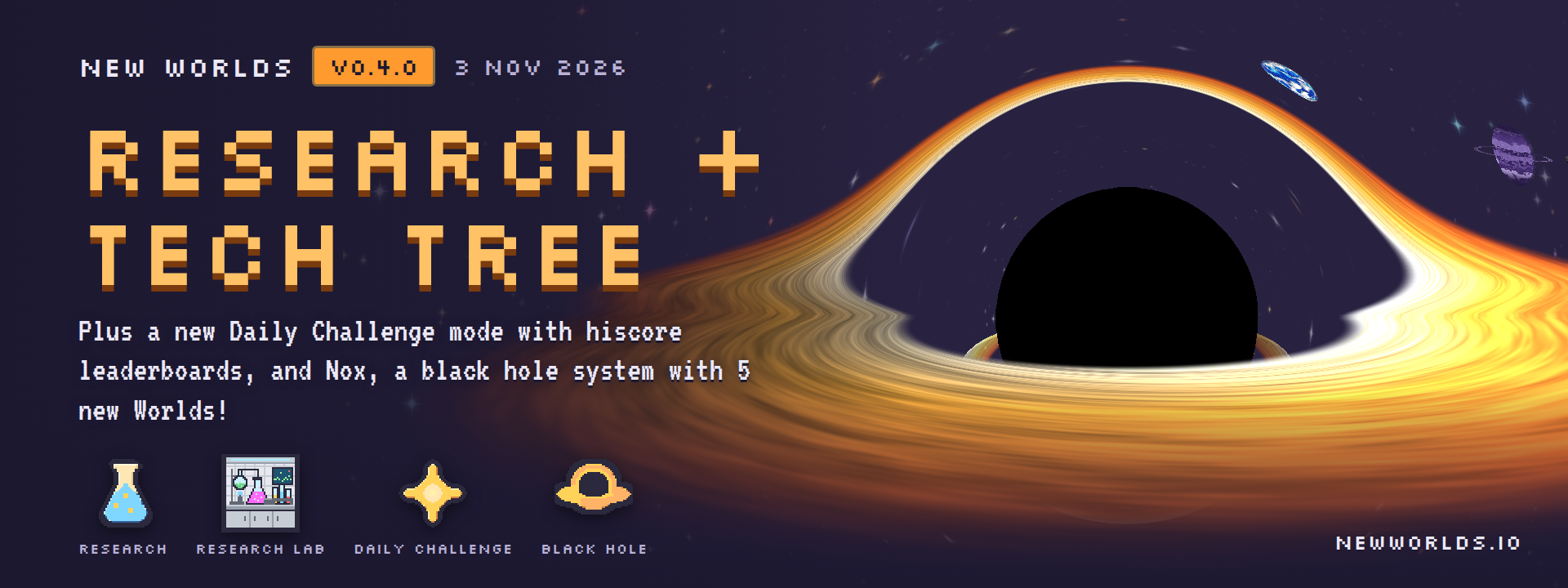
Research + Tech Tree v0.4.0
Research
Every Faction earns Research each year from its people, weighted toward Specialists and the Development of the worlds they live on, and from the Research Posts it rules.
New Research Lab Building: +5 Research a year for its owner, anywhere it stands.
A Research bar under the HUD's mass bar shows the tech you're researching and how close it is. Press it to open the Research tab.
The Factions panel charts Research over time, and each Faction's page shows what it earns, what it has banked and what it is researching.
Tech Tree
Five Tech types: Propulsion, Habitation, Society, Science and Terraforming. Pick a tech to research and queue more behind it; a tech you switch away from keeps its progress.
The Tech Tree is a graph of techs in tiers, with lines to the techs each one needs first.
Once any Faction knows a tech, it costs everyone else 20% less, and anyone already past the new price unlocks it at once.
Shipyards offer all Ship Upgrades that their owner has researched. Levels I and II are open to everyone from the start in 2200.
The Tunnel Network and Biospheres Buildings and Terraforming works now require the appropriate technology.
Tax and Tariff caps start at 10%; each Tax Policy or Tariff Policy tech raises the rate by 2%.
Habitat Engineering, Civic Planning and Public Welfare increase Habitability, Migration Attraction and Happiness on the worlds you rule.
Science techs increase Research: up to +30% from every source, +20% from people and +25% from Research Posts.
NPC Factions start with different technologies and research based on their needs.
Daily Challenge
A new challenge every day, the same for everyone: Main Menu > Singleplayer > Daily Challenge.
Each one is a short flight across Solus: land on a world, parachute down, capture into orbit, transfer, slingshot past a gas giant, rendezvous and dock, launch on a booster, or tour a station and a world.
Frugal challenges are scored on fuel, and Fumes challenges give you just enough to make it.
Every run is timed twice, in Game Time and Played Time, each with its own daily leaderboard.
See your best and the day's top five before you fly, and copy your result to share when you finish.
The challenge's target gets its own magenta arrow, alongside your tracked mission's.
Nox
Nox is a new star system with a black hole at its centre. Its worlds are lit by the accretion disk, and the hole bends the light of everything behind it.
Five worlds: Pelagos, an ocean world; Caligo and its moon Furva; and Orcus and its moon Lethe.
New Black Hole World Trait halves Habitability, and no terraforming removes it.
Fly too close and your ship is spaghettified.
Missions
New Difficulty filter on the Missions board, and every filter lists only what the tab holds.
Hard Abroad missions now run inside other star systems, landing on their worlds.
Outposts you found in other star systems join the Interstellar destinations.
The Mission Planner shows hold and cabin space as a green-to-red percentage.
Factions
A member of an NPC Faction can petition it to research one tech, once a decade.
Members pay no Tariff at their Faction's Markets.
Players in no Faction are Neutral, with +50 Opinion from every Faction.
Other
Our site is now newworlds.io.
The Stations panel lists and opens the stations of every system you've visited, not just Solus.
The Worlds and Stations filter menus show world, star and level icons, like the Missions board, and every filter bar fits on one row.
Every button, tab and row is now at least fingertip sized, for phones.
Reworked surface map on phones: it stays full screen when you turn the phone, with filters and actions beside or under the map.
Surface drives show an In Transit overlay with a Cancel button.
A Hangar charges by what the docked ship weighs.
The Worlds page builds each section as you scroll to it, so it opens faster.
After a crash, the camera stays on your ship a moment before moving to the crash site.
Resuming from the main menu keeps the game paused if you'd paused it.
One press of Escape closes one panel.
Missions Rebalanced v0.3.1
Missions
Mission pay is doubled, and now scales with the distance travelled, the Difficulty and the destination's landing gravity.
Each Difficulty, from Very Easy to Very Hard, posts its own Waves of missions side by side. Clearing a Difficulty's first Wave unlocks the next one.
Each Difficulty has its own frontier: Very Easy stays among Terra's stations, and harder missions reach out to Ares and Venera, Saturnus and finally Glacius.
The Missions board shows each mission's Difficulty in stars, and a reworked popup tells you when a Wave is complete.
Tutorials
Turn on Tutorial Challenge Mode in Settings to time each lesson and challenge a friend to beat it.
On touchscreens, the tutorial text boxes no longer block dragging or zooming the camera.
The tutorial box now sits on the bottom edge of the HUD and grows upward.
Other
Dialogue boxes now share the tutorial's glass look.
Cinematic Mode now hides the pause icon.
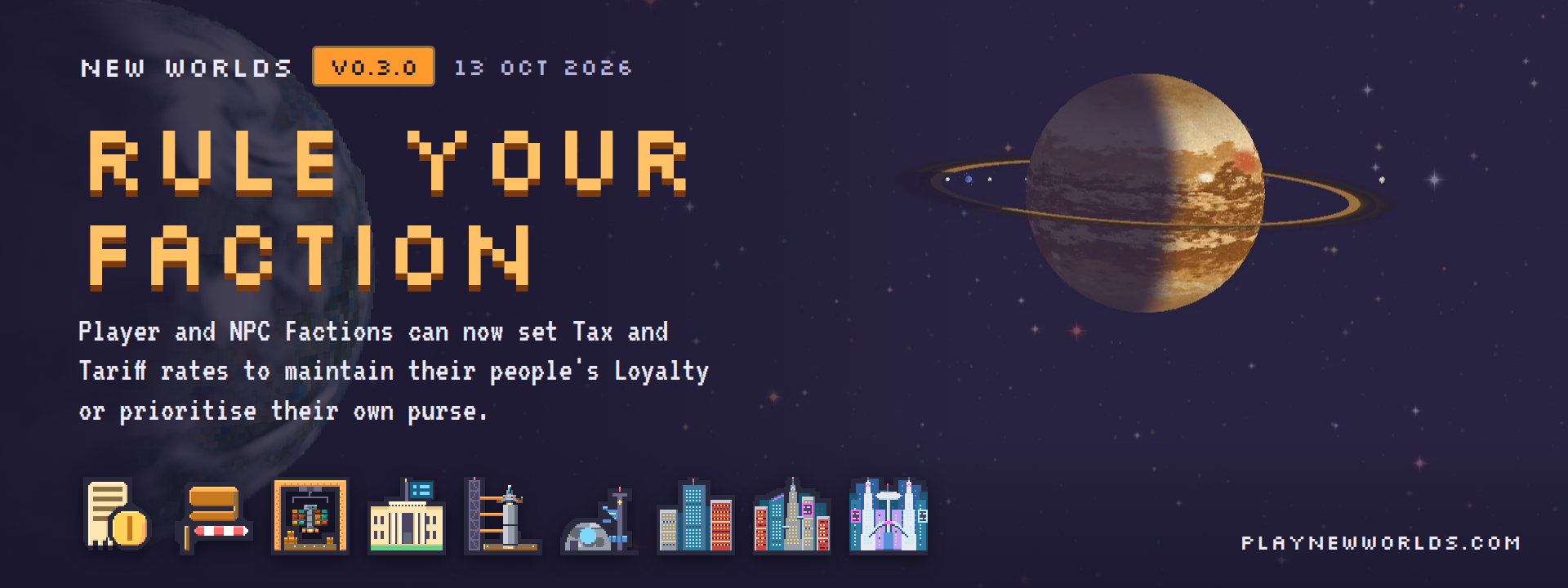
Rule Your Faction v0.3.0
Factions
NPCs and Player Factions can now set their Tax and Tariff rates between 0 and 20%.
Taxes increase Income from Pops at the cost of their Loyalty and Happiness, with effects on Migration to and from each Location.
Tariffs increase profit on Trade but reduce incoming Freight.
NPC Factions review their own Tax and Tariff rates every decade.
Detailed Income breakdown in each Faction's tab.
Total Faction Population affects Loyalty more gradually as a Faction grows.
Worlds
Better Icon Cards for Settlements, Buildings, Terraforming and World Traits.
Megacity tier at Settlement Level 8, between Metropolis and Megalopolis.
Yellow Dwarf Trait for Aurea and Blue Giant Trait for Candor.
Food is ten times more dense, and the Hydroponics Building produces Food resources.
Increased Migration rates to empty worlds.
The Spaceport Building has been renamed the Market.
Missions
The Mission Planner's Map button now shows your full route.
Improved Mission Auto-Tracking logic to consider future capacity.
Failed Missions offload their cargo and passengers when you Recover.
Speedrun Integrations
New Speedrun Mode to time your runs with LiveSplit.
Categories: All Tutorials, each Mission Tier, Solus Grand Tour, All Terra Locations, Found Faction and 1B Faction Pops.
Tutorials
New Camera tutorial steps for cycling camera modes and tilting the view.
Improved tutorial text box style and instructions.
Other
Optimized future trajectory calculation while coasting.
Future trajectory is calculated on a separate thread, coasting and thrusting, on desktop and Android.
Yearly Freight between Markets is calculated on a separate thread on desktop and Android.
Tab goes to your Tracked Target first, and Home returns the camera to your ship.
Flight paths are dotted when passing behind a world.
Ship stat cards and better Ship descriptions.
Clearer tooltips, Building, Shipyard and Construction text throughout, and hangar space shown in tonnes and bays.
Clip button: record a short clip of your flight in the browser and share it.
Tutorials and Roads v0.2.6
Tutorials
The mass tutorial races a ghost of your ship.
Tutorial steps flash the button they prompt you to press.
Changes
Improved road Planning mode performance.
Improved continuity across SOI boundaries.
Maps and Traffic v0.2.5
Maps
Full screen surface map mode.
Surface Travel prompt showing distance and time remaining.
Worlds and ships
Traffic ships fly elliptical orbits.
Flight paths draw as solid 3D tubes over worlds.
Buildings can be placed on ice texels.
Launch facilities are built near the equator and on a west coast where possible.
itch.io codes
Unlock the full game with an itch.io purchase: paste your download link in Settings > Profile.
Other
Reduce memory usage.
Phone rotation improvements.
A save changed on another device replaces the older copy.
Geosync World-Nets v0.2.4
Gameplay
World-Net stations sit at true geosync on every eligible world: Terra, Ares, Glacius, Serena, Palus, Arida and Lutum.
Ares Ore Dump now sits in geosync orbit.
Maps
Full screen surface map mode.
Improved map zoom performance.
Other
Trajectories no longer draw through your ship.
Online profanity filter.
Ships can now be renamed.
Profiles v0.2.3
Changes
New Profile page in Settings: cloud saves, your account, invite and link codes, and your devices.
Use your account on up to five devices, and sign out any of them from the Profile page.
Star icons match the star sprites.
Unlock Codes v0.2.2
Changes
Unlock the full game in the browser with an invite code! If you want to playtest the New Worlds closed-alpha, please enquire at hello@computerise.games.
Fixed traffic ship sizing.
Axial Tilt and Rotation v0.2.1
Worlds
Every world spins at a unique speed and angle.
Many moons and planets are tidally locked.
Gas giants have voxel rings.
Other changes
Improved performance of the dynamic star surfaces.
Improved World and Faction icons.
Tooltips are locked over their target in 3D camera modes.
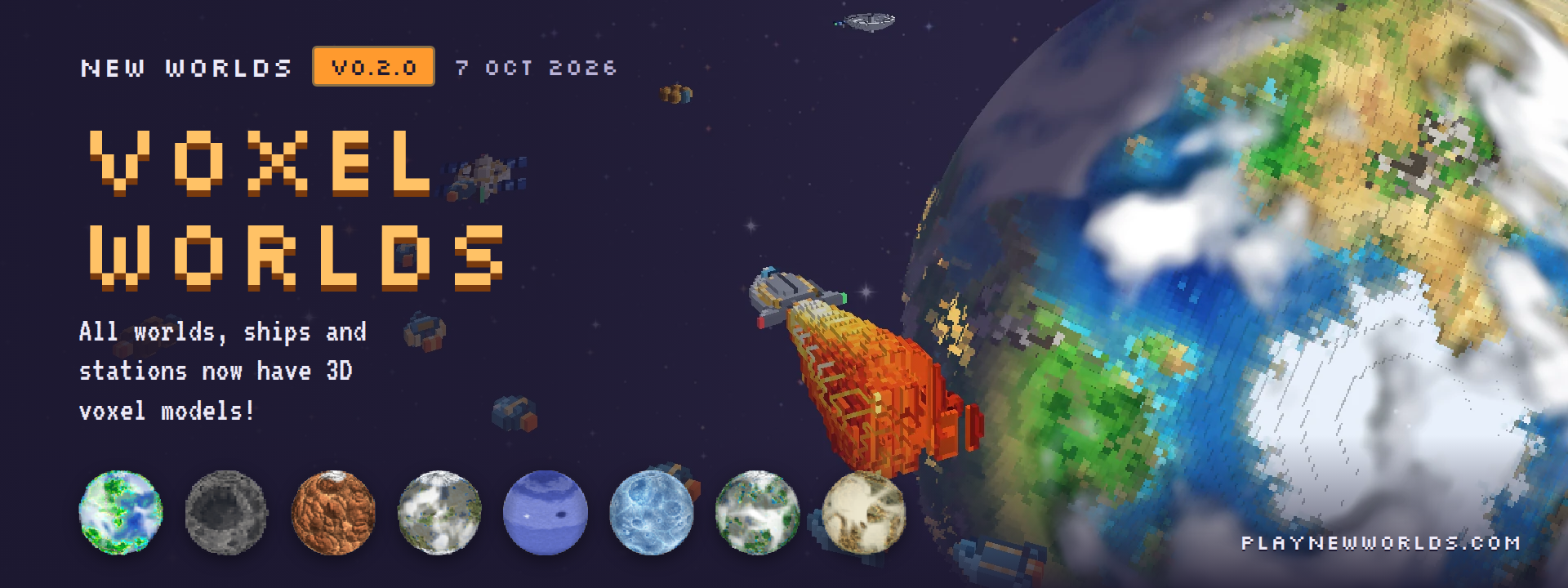
Voxel Worlds v0.2.0
Voxel worlds
Planets are voxels up close, with their spin, day and night, city lights and clouds. Turn it off in Settings > Display.
Ships and stations are voxel models too, including nearby traffic and stations on the solar map.
Launches and landings
Booster launches fly a real ascent on voxel booster stages sized to your ship.
Parachutes are voxel domes.
Bigger ships cost more to launch.
Other changes
Mass bar segments flash red when there's no space left for mission cargo.
Cinematic mode hides orbit markers, and closest approach is now orange.
Controller: tap R3 to snap back to the top-down view.
Web Demo v0.4.2
Plays in the browser, on desktop and mobile. No download needed.
 newworlds.io
 Buy on itch.io
Coming soon on Steam